Tummi vs. Solid Starts: Which Starting Solids App Is Right for You?
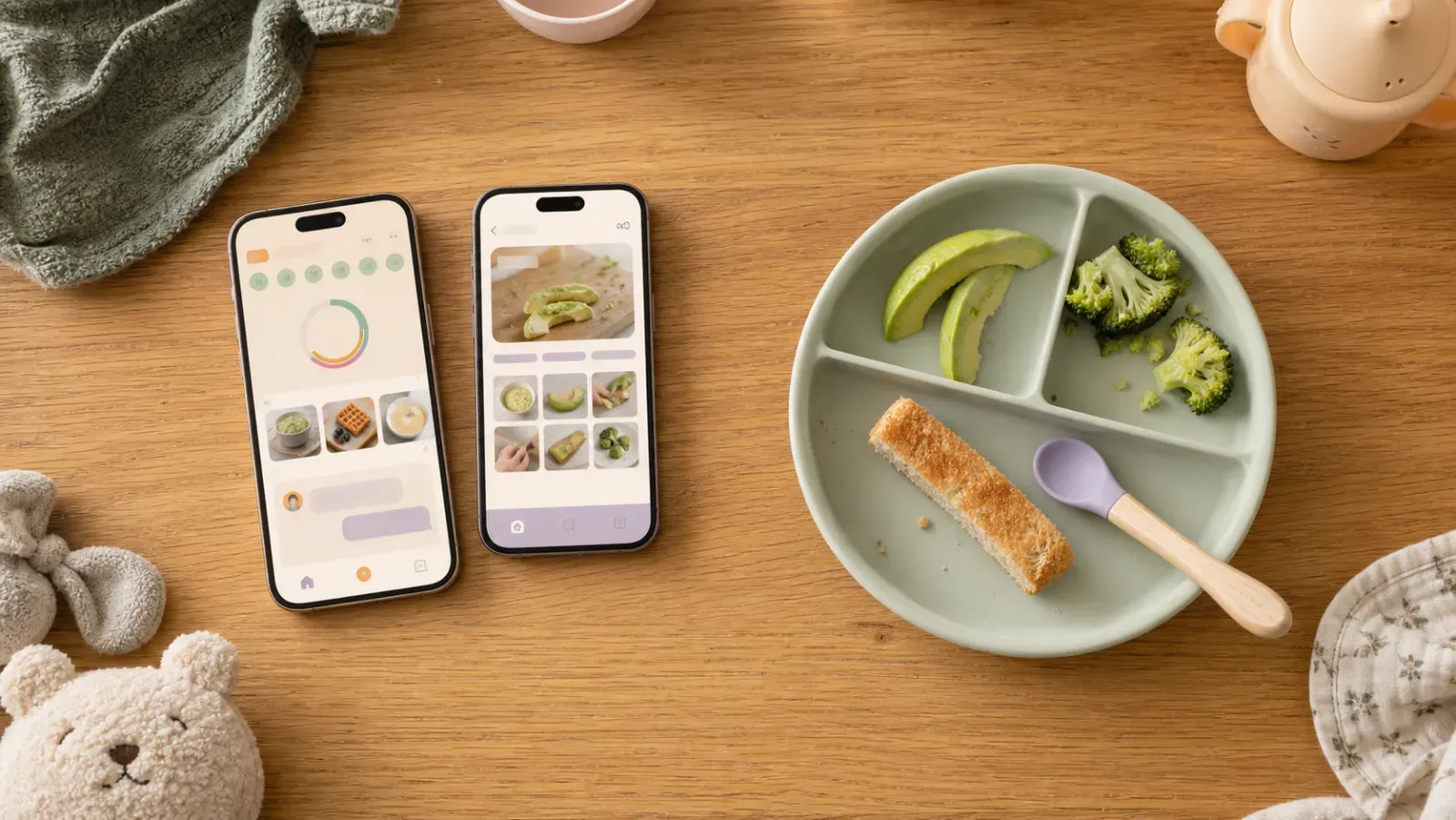
Comparing Tummi vs. Solid Starts can feel like comparing two very organized friends while your baby paints the high chair with avocado. Both apps help with food prep, planning, and tracking. The meaningful difference is how each one uses what it knows about your baby.
The short answer: Solid Starts is especially strong if you want visual food-prep education and a structured path through 100 foods. Tummi may be the better fit if you want guidance that keeps adapting to your baby's history, plus contextual chat, cultural awareness, real parent plates, and progress tracking beyond a food count.
Disclosure: This comparison is written by Team Tummi, so yes, we have a point of view. Competitor details were checked against current official product pages in August 2026.
How We Compared the Apps
We focused on the jobs parents actually use these apps for: checking food prep, planning meals, recording reactions, answering in-the-moment questions, and understanding progress. The goal is not to declare one universal winner. It is to show which experience better matches the kind of help you want.
Tummi vs. Solid Starts at a Glance
| Feature | Tummi | Solid Starts |
|---|---|---|
| Core approach | Learns from every meal and guides the next step | Guides families through baby's first 100 foods |
| Food guidance | 400+ foods, connected to baby's age and history | 400+ foods with strong photos, videos, and research |
| Meal planning | Builds a week around skills, history, restrictions, reactions, preferences, and culture | Suggests meals from selected foods with swaps and scheduling |
| Tracking | Connects exposures, reactions, variety, iron, colors, repeats, and milestones | Records foods, notes, reactions, favorites, skills, and allergens |
| Questions | Contextual AI chat can use baby's profile and feeding history | Expert-written guides, videos, and courses |
| Real meal inspiration | Opt-in plates shared anonymously by Tummi families | Not emphasized in the current app overview |
| Cultural fit | Cultural background can shape recommendations and plans | Not emphasized as a current personalization input |
Solid Starts describes a personalized home screen with planning, tracking, allergen guidance, expert resources, and 400+ recipes. Parents can swap foods, adjust meals, and export the tracker for a clinician. It is a capable roadmap and visual reference. See the current Solid Starts app overview.
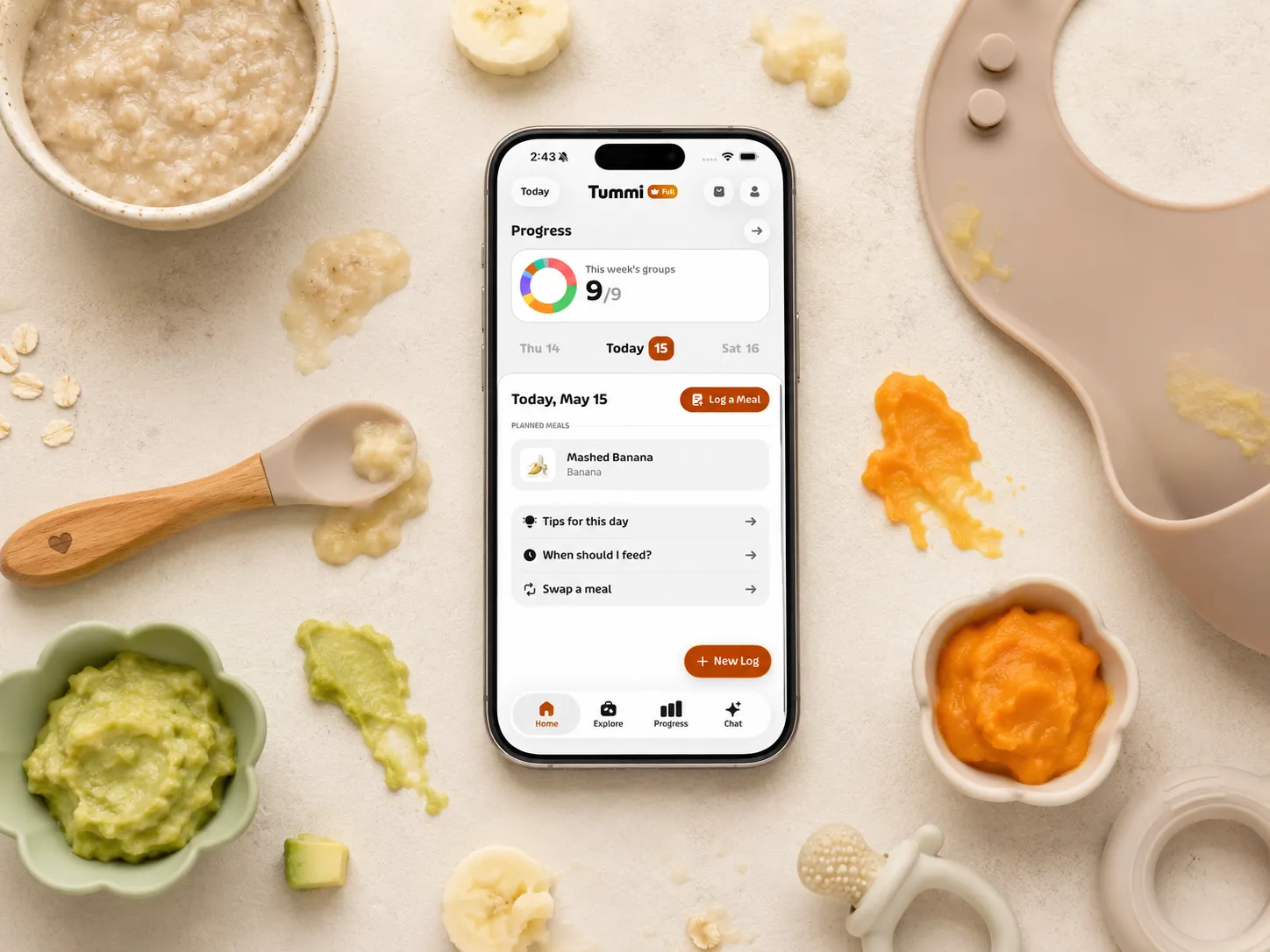
The simplest distinction is this: Solid Starts is a particularly strong visual roadmap. Tummi is designed as a feedback loop. A food log becomes context for what to suggest next, what to repeat, which texture to practice, and what kind of meal belongs in your home.
The Best App for Starting Solids
In search of the best app for starting solid foods? Discover how Tummi helps parents track foods, prevent allergies, and plan baby meals with confidence.
Where Solid Starts Is Strongest
Solid Starts built its reputation on visual food-preparation guidance. If your main need is looking up how to cut one food for one age, its photos and videos are excellent.
Its First 100 Foods experience also gives you a visible destination and an exportable tracker. If a defined sequence and visual teaching are your priorities, that combination makes sense.
Where Tummi Takes a More Personal Approach
Personalized, but still guided
Personalization can easily become another word for "Here are 400 options, good luck." Tummi takes a firmer approach.
The app places your baby on a guided journey, from first tastes and allergens through grasping, chewing, textures, smaller pieces, bigger flavors, and family meals. The next step is calculated from feeding age, foods tried, tolerated allergens, reactions, and confirmed meals.
That means two 9-month-olds do not automatically receive the same answer. One may be ready to practice lumpy and shredded textures. Another may need more support with graspable foods or a careful allergen plan. Tummi keeps the destination clear while adjusting the route.
Meal plans built from real history
Solid Starts shapes suggestions around foods you choose. Tummi goes deeper into the history behind the choice.
A Tummi plan can account for familiar foods, ingredients due for another exposure, dietary restrictions, foods to include or avoid, previous reactions, and the number of meals that fits your baby's stage. It also protects the week's skill goal, so chewing practice includes soft chewable textures instead of seven smooth meals wearing different outfits.
Cultural background is part of that context. South Asian, East Asian, Middle Eastern, Mediterranean, Latin American, West African, East African, American, and parent-entered backgrounds can influence meal selection when the options fit baby's current goal. Your family's food is not treated as an advanced elective after the "normal" foods are finished.
Chat that already knows your baby
The most useful answer to "Can I serve this?" depends on who "I" and "this" belong to.
Tummi's chat can use your baby's name, feeding age, corrected age when relevant, restrictions, culture, allergens, foods tried, exposure counts, reactions, prep methods, notes, and time since a food was offered. You do not rebuild that context in every question.
Ask about a meal idea and Tummi can reason from familiar foods. Ask about a reaction and it can see the relevant log. It is still feeding guidance, not a substitute for a pediatrician, but it is much closer to a conversation about your baby than a general article search.
Get answers anytime, instantly
Ask Tummi about feeding — from allergens to meal ideas — and get a clear response on the spot.
Real plates from real parents
Perfectly styled recipe photos can teach you technique. They can also make Tuesday lunch look suspiciously like a magazine shoot.
Tummi's opt-in shared-meals gallery shows anonymous plates from other families, including the foods, baby's age, and food-journey count. It is practical inspiration from meals parents actually served.
Progress that explains more than a number
Getting to 100 foods can be motivating. Still, food count is only one part of learning to eat.
Tummi can show food-group variety, iron exposure, color diversity, new foods versus repeats, favorites, reactions, a watch list, streaks, flavor and texture milestones, and the current feeding stage. The goal is not to turn lunch into a performance review. It is to make the next choice easier.
Track every bite with confidence
Log first foods, allergens, and reactions so you never miss a sensitivity — and always know what's next.
Which App Is the Better Fit?
Choose Tummi if you:
- Want guidance that responds to what your baby has actually done
- Want planning tied to skills, reactions, restrictions, culture, and preferences
- Want answers without repeating your baby's full story every time
- Care about iron, textures, flavors, reactions, and milestones beyond a checklist
- Want inspiration from plates served by real parents
Choose Solid Starts if you:
- Mainly want extensive food-prep photos and videos
- Prefer following a defined first-100-food sequence
- Need an exportable tracker for clinician conversations
Can You Use Tummi for Purees or Combo Feeding?
Yes. Tummi works with finger foods, purées, spoon-feeding, or a mix. It focuses on the texture and preparation your baby can manage, not one perfect feeding philosophy.
The Bottom Line
Solid Starts is an excellent visual reference with a clear 100-food roadmap. It is easy to understand why many parents begin there.
Tummi is likely the better fit if you want the app to become more useful as your baby's history grows. It gives you structure, then turns family context and real logs into the next useful meal, answer, or milestone.
The difference is not simply how much information each app contains. It is whether a log mainly records the past or helps shape what happens next. That second idea is where Tummi feels most distinct.
Last updated
Baby Feeding Tips, Straight to Your Inbox
Feeding tips, easy recipes, and a little reassurance. Delivered to your inbox.